Solution guide · AI & automation
Make.com GoHighLevel not working? Why scenarios fail and how to fix them
Make.com GoHighLevel scenarios failing? Fix 403 location errors, old API key connections, webhooks, 429 rate limits and duplicate contacts, step by step.

Key takeaways
- Most Make.com and GoHighLevel failures come from five causes: the wrong or mixed connection, an old API-key connection, a webhook that never reaches the scenario, HighLevel’s API rate limits, and duplicate-contact rules.
- Make’s GoHighLevel app connects with Location OAuth 2.0 (one sub-account) or Company OAuth 2.0 (agency); use Location for sub-account work and the same connection on every HighLevel module in the scenario.
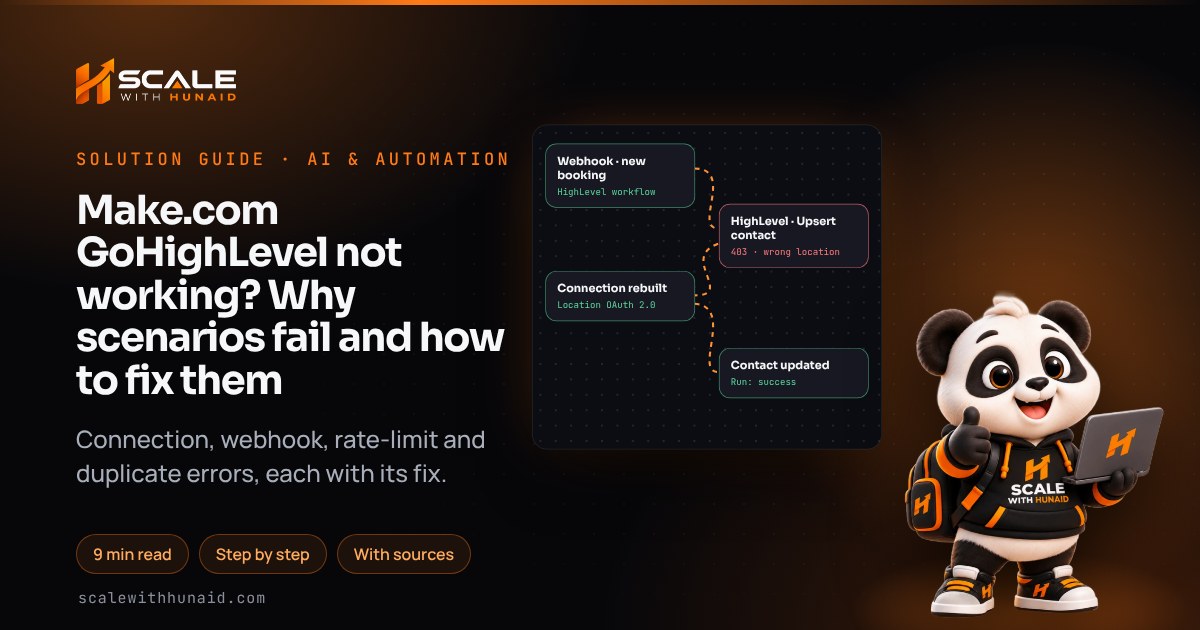
- The 403 “The token does not have access to this location” error means the connection and the Location ID in the module point at different sub-accounts.
- Make switches off a webhook-triggered scenario after its first error unless incomplete executions and error handlers are set up, so one bad run can stop every lead after it.
- HighLevel allows 100 API requests per 10 seconds and 200,000 a day per app per sub-account, and returns HTTP 429 above that, so bulk scenarios need throttling and retries.
When a Make.com scenario stops talking to GoHighLevel, the cause is nearly always one of five things: the wrong connection, an old API-key connection, a webhook that never arrives, HighLevel’s API rate limits, or duplicate-contact rules. Each one leaves a clear trace in the scenario’s run history, and each has a specific fix.
This guide shows how to read that trace in a couple of minutes, then fixes every cause step by step, with the exact settings in Make and HighLevel. It is the checklist I use when I build and repair Make, n8n and Zapier automations for HighLevel clients. Menu names and limits are correct as of November 2026.
How Make connects to GoHighLevel now
Make’s GoHighLevel app offers two connection types, and neither uses an API key:
| Connection type | What it can reach | Use it for |
|---|---|---|
| GoHighLevel Location OAuth 2.0 | One sub-account (location) | Contacts, opportunities, appointments, notes, tags |
| GoHighLevel Company OAuth 2.0 | The agency (company) | Agency tasks such as working with sub-accounts |
That matters because many older scenarios were built on a sub-account API key. HighLevel’s API documentation says the V1 API, the one that used those keys, reached end of support on 31 December 2025. HighLevel has also stopped issuing new V1 keys and marks keys unused for more than 90 days as Expired. A scenario that still depends on one gets no support when it breaks.
- 1Open scenario HistoryPick the first failed or missing run.
- 2Read the module bubbleThe response body names the error.
- 3Check the connectionLocation OAuth, same on every module.
- 4Check the triggerDid the webhook or Watch module fire?
- 5Look for 429sToo many requests in 10 seconds.
- 6Check for duplicatesCreate vs upsert, dedupe settings.
Fix: diagnose before you change anything.
- In Make, open the scenario and click History. Find the first run that failed, or note that the run you expected never appeared.
- Open that run and click the bubble above the module with the red warning. The output tab shows HighLevel’s response, such as
403,422,429or a message about a field. - Match the symptom to a cause in the table below and jump to that section.
| What you see | Most likely cause | Section |
|---|---|---|
403 The token does not have access to this location |
Wrong or mixed connection | Cause 1 |
AccountValidationError, 401, connection will not save |
Expired, old or blocked connection | Cause 2 |
| No run at all when a lead comes in | Webhook or trigger never fired | Cause 3 |
429, RateLimitError, scenario paused |
HighLevel or Make rate limits | Cause 4 |
Two contacts for one person, or 400 on a phone number |
Duplicate-contact rules | Cause 5 |
| Scenario switched to OFF | Make deactivated it after errors | Cause 6 |
Cause 1: “The token does not have access to this location”
This 403 appears when the connection was authorised for one sub-account but the module is working on another. It is the most common Make and HighLevel error I see. In the Make Community thread on this error, the fix was to put the exact same connection on every HighLevel module in the scenario. The same thread notes that choosing the company connection for location work throws errors.
Fix: one Location connection, used everywhere.
- On the first HighLevel module, click Add next to Connection and choose GoHighLevel Location OAuth 2.0. Name it after the sub-account, such as
HL – Harbourview Physio. - Sign in when HighLevel asks, choose the correct sub-account and approve access.
- Open every HighLevel module in the scenario, including ones inside routers and error routes, and select that same connection.
- Remove any hard-coded Location ID left over from a copied scenario. If a module asks for one, map it from the trigger data, which comes from the right sub-account.
- Click Run once with a test contact and confirm the module returns a contact ID instead of a 403.
Cause 2: an expired, old or blocked connection
Make raises AccountValidationError when credentials have expired and have not been updated in the connection, and its advice is to review the credentials and, if needed, create a new connection. HighLevel’s OAuth tokens are short-lived by design: its OAuth documentation says an access token expires after 86,399 seconds, about a day, and a refresh token stops working once used. Make refreshes these for you, but if the HighLevel user who authorised the connection is removed, or the app is uninstalled from the sub-account, the refresh fails.
If you use your own HighLevel marketplace app (Make’s Advanced settings), the redirect URI must match. Make’s app documentation gives https://www.make.com/oauth/cb/highlevel3 for Location and https://www.make.com/oauth/cb/highlevel4 for Company. One Make Community thread reports HighLevel rejecting redirect URIs that contain the word “highlevel”; if that happens to you, use Make’s built-in connection without custom credentials.
Fix: rebuild the connection cleanly.
- In Make, go to Connections, find the HighLevel connection and click Reauthorize. If that fails, create a new one as in Cause 1.
- Authorise it with a dedicated HighLevel admin user, not a staff member who might leave.
- If the scenario still uses an old API key, rebuild each HighLevel module on the OAuth connection. Fields usually re-map by name, but check every mapped field before you save.
- For anything outside Make that still needs direct API access, use a V2 Private Integration token from the sub-account’s Settings → Private Integrations, not a V1 key.
Cause 3: the webhook never reaches Make
For real-time triggers I start the scenario from a HighLevel workflow. HighLevel’s Webhook (Outbound) action sends data to a URL when the workflow runs. Its payload depends on the trigger: a Contact Tag Added trigger, for example, will not include appointment or opportunity data. The Custom Webhook action lets you choose the method, headers and body, but it is a Premium action: each sub-account gets 100 free executions, then they are billed.
On the Make side, Make’s webhook documentation says a webhook not connected to any scenario for more than five days (120 hours) is deactivated and returns 410 Gone. Deleting a webhook has the same effect. When the webhook queue is full, Make rejects the extra data.
Fix: rebuild the webhook path end to end.
- In Make, add a Webhooks → Custom webhook module as the trigger, click Add, name it and click Copy address to clipboard.
- In HighLevel, open the workflow, add a Webhook action (or Custom Webhook if you need custom headers), set the method to
POSTand paste the URL. - Click Save and Publish in the workflow. A draft workflow sends nothing.
- In Make, click Re-determine data structure on the webhook module, then trigger the workflow with a test contact so Make learns the fields.
- Map the fields, switch the scenario ON and set scheduling to Immediately.
- Run a second test contact through and confirm the run appears in History within seconds.
If the workflow itself never fires, the problem is on the HighLevel side; my guide to GoHighLevel workflows not triggering covers that.
Cause 4: rate limits and 429 errors
HighLevel’s rate limits are counted per app per sub-account: 100 requests per 10 seconds and 200,000 per day. Requests over the limit return HTTP 429. Some endpoints are tighter still. HighLevel’s Workflows API article caps workflow reads at 30 and writes at 10 per 10 seconds.
A bulk scenario that loops through hundreds of contacts can pass 100 requests in seconds. The daily ceiling is 200,000 requests.
A Make scenario that iterates over a list makes one or more API calls per bundle, so a 500-row import can hit the burst limit almost at once. Make reports a 429 from an app as a RateLimitError. Make can also return its own 429 when too many webhook runs arrive in parallel, so read which system the error came from.
Fix: slow down and retry.
- In Scenario settings, turn on Store incomplete executions (older screens call it Allow storing of incomplete executions). Make says that with it on, a RateLimitError pauses the scenario for 20 minutes and then retries the stored run.
- Turn on Process data in order (Sequential processing) for webhook-triggered scenarios, so only one run hits HighLevel at a time.
- Right-click each HighLevel module, choose Add error handler → Retry. Make’s defaults are 3 attempts, 15 minutes apart.
- For bulk jobs, add a Tools → Sleep module of 1–2 seconds inside the loop, or split the list into smaller batches.
- Remove calls you do not need, such as a Search before every Update when the trigger already gives you the contact ID.
Cause 5: duplicate contacts and 400 errors
The Create a Contact module always creates. Whether HighLevel stops a duplicate depends on the sub-account’s Contact Deduplication Preferences. HighLevel’s Upsert Contact endpoint follows the same setting. With duplicates allowed it creates a new contact at once. With them disallowed it searches for a match, updates it if found and creates one if not. When phone numbers must be unique, HighLevel’s update endpoint rejects a number that belongs to another contact with 400 Bad Request.
Fix: match first, then write.
- In HighLevel, go to Settings → Business Profile and scroll to Contact Deduplication Preferences. Turn Allow Duplicate Contact off if your business allows it, choose email or phone as the primary match and set the other as the second preference. Changes save automatically.
- In Make, replace Create a Contact with the upsert module, or add Search Contacts first and route to Update or Create with a filter on whether a contact ID came back.
- Always map both email and phone, in a consistent format. I use
+and the country code, such as+447700900123. - If a 400 names the phone field, open that number in HighLevel, merge the duplicates and re-run the stored execution.
Cause 6: Make switched the scenario off
Make’s scenario settings disable a scheduled scenario after a set number of consecutive errors, 3 by default. A scenario that starts with an instant trigger, such as a webhook, is deactivated on its first error. Fatal errors, such as running out of operations, stop it at once. Incomplete executions are off by default, so without them a failed run is simply lost.
Fix: make one bad run harmless.
- Fix the underlying cause from the sections above, then click Run once with a test record.
- Turn on Store incomplete executions and add Retry handlers to the HighLevel modules. For ConnectionError, which Make raises when an app returns 503 or 504, Retry is Make’s recommended handler.
- Switch the scenario back ON.
- Open the Incomplete executions tab and resolve or retry each stored run, so the leads that arrived while it was off are processed.
- Check your Make notification settings so errors and deactivations are emailed to someone who will act on them the same day.
Mistakes to avoid
Breaks quietly
- Avoid: Old V1 API key connection
- Avoid: Two connections in one scenario
- Avoid: Company connection for contacts
- Avoid: No error handlers
- Avoid: Create a Contact every time
Runs every time
- Do: Location OAuth 2.0 connection
- Do: One connection on every module
- Do: Dedicated admin user authorises
- Do: Retry plus incomplete executions
- Do: Search or upsert before create
- Testing with an old contact. Use a fresh test record each time; a contact already in the workflow may not re-enter it.
- Leaving a webhook unattached. Make deactivates it after five days. Delete unused ones and rebuild them when you need them.
- Hiding errors with Ignore. An Ignore handler keeps the scenario on but drops the lead. Use Retry, or Break with incomplete executions, so nothing is lost.
Get Make and GoHighLevel working reliably
A Make and GoHighLevel integration that runs for months has one Location connection, a published workflow webhook, sensible throttling, error handlers on every HighLevel module and an upsert instead of a blind create. If you would rather hand it over, I build and repair these scenarios as part of Make, n8n and Zapier automation, and I can tidy the workflows that feed them as part of GoHighLevel CRM setup.
Using a different tool? See my guides to GoHighLevel Zapier not working and n8n webhooks not working. If your scenarios text or call leads in a state with its own rules, such as Florida, check the Florida page before you automate outreach.

References
- GoHighLevel app documentation — Make Apps Documentation
- Scenario settings — Make Help Center
- Incomplete executions — Make Help Center
- Overview of error handling — Make Help Center
- Retry error handler — Make Help Center
- Fix errors and warnings — Make Help Center
- Fix connection errors — Make Help Center
- Fix rate limit errors — Make Help Center
- Webhooks — Make Help Center
- HighLevel API Documentation — HighLevel Support Portal
- Rate Limits — HighLevel Developer Portal
- Workflows API: create, publish and monitor workflows by API — HighLevel Support Portal
- OAuth 2.0 — HighLevel Developer Portal
- Upsert Contact — HighLevel Developer Portal
- Contact Deduplication Preferences (Allow Duplicate Contacts) — HighLevel Support Portal
- Workflow Action - Webhook (Outbound) — HighLevel Support Portal
- Workflow Action - Custom Webhook — HighLevel Support Portal
- How to enable and rebill Premium Features for Workflows — HighLevel Support Portal
- Security Update: Cleanup of inactive API Keys & transition to PIT — HighLevel Changelog
- GoHighLevel OAuth2 RuntimeError [403] The token does not have access to this location — Make Community
- Go High Level blocking Make’s OAuth redirect URI (highlevel3) — Make Community