Solution guide · SMS & compliance
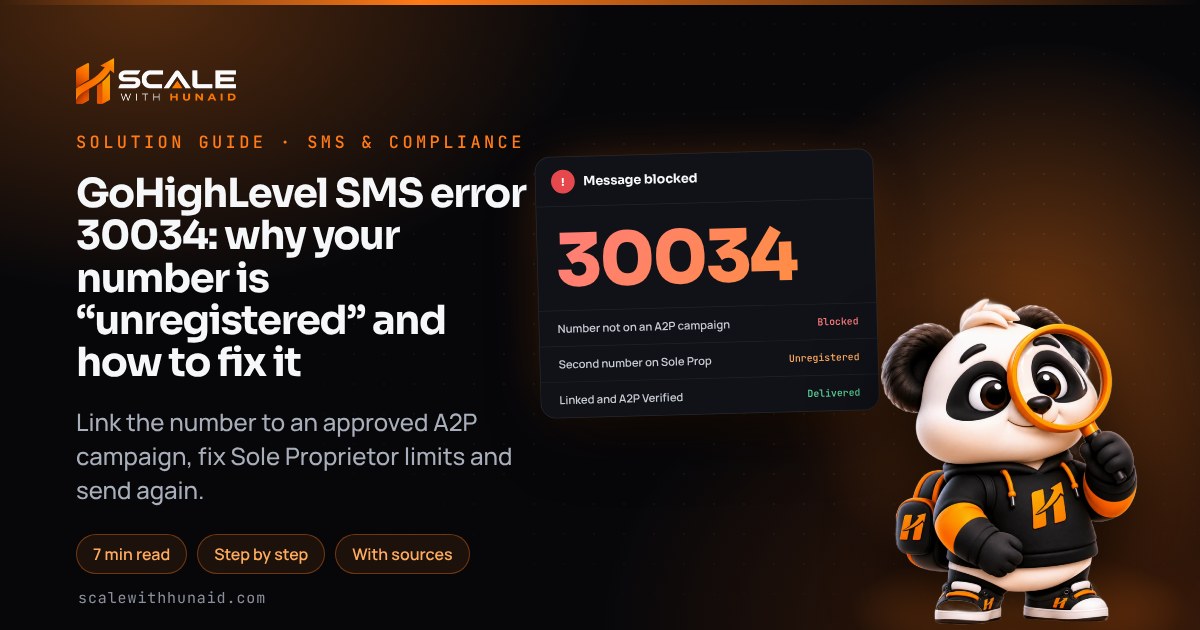
GoHighLevel SMS error 30034: why your number is “unregistered” and how to fix it
GoHighLevel SMS error 30034 means your 10DLC number is not linked to an approved A2P campaign. Find the cause, link the number and get texts delivered.

Key takeaways
- Error 30034 means a US text was sent from a +1 10DLC number that is not linked to an approved A2P 10DLC campaign, so the carrier network blocked it before it reached the phone.
- An approved campaign does not register your numbers by itself: each number has to be linked to the campaign and show the green A2P Verified label under Settings → Phone System → Phone Numbers.
- A Sole Proprietor brand allows one campaign and one phone number, so a second local number in the same sub-account fails with 30034 even when the first is approved.
- After linking, allow up to 24 hours for carriers to activate the number; error 30035 during that window means the number is still being configured, not rejected.
- Blocked 30034 messages are still billed by Twilio, so pause the workflows or campaigns sending from the number until it is verified.
GoHighLevel SMS error 30034 means your text was blocked because it came from a US local (10DLC) number that is not associated with an approved A2P 10DLC campaign. The message, the contact and HighLevel itself are all fine. The carriers simply refuse traffic from numbers they have no registration for, and they have done so for every unregistered 10DLC number since 2023.
The fix is nearly always one of four things: the number was never linked to your approved campaign, the brand or campaign is not approved yet, a Sole Proprietor brand has more than one number, or the carriers have not finished activating a number you linked recently. Below I show how to tell which one you have and the exact steps for each. It is the same check I run when I handle A2P 10DLC registration for clients.
What error 30034 means in GoHighLevel
HighLevel’s error dictionary lists 30034 as “Message from an Unregistered Number”: a +1 10DLC number that is not associated with an approved A2P campaign. Twilio’s error page adds that submitting a campaign is only one of several registration steps. The number has to be fully registered to an approved campaign under your brand before it can text US phones.
Three points save a lot of confusion:
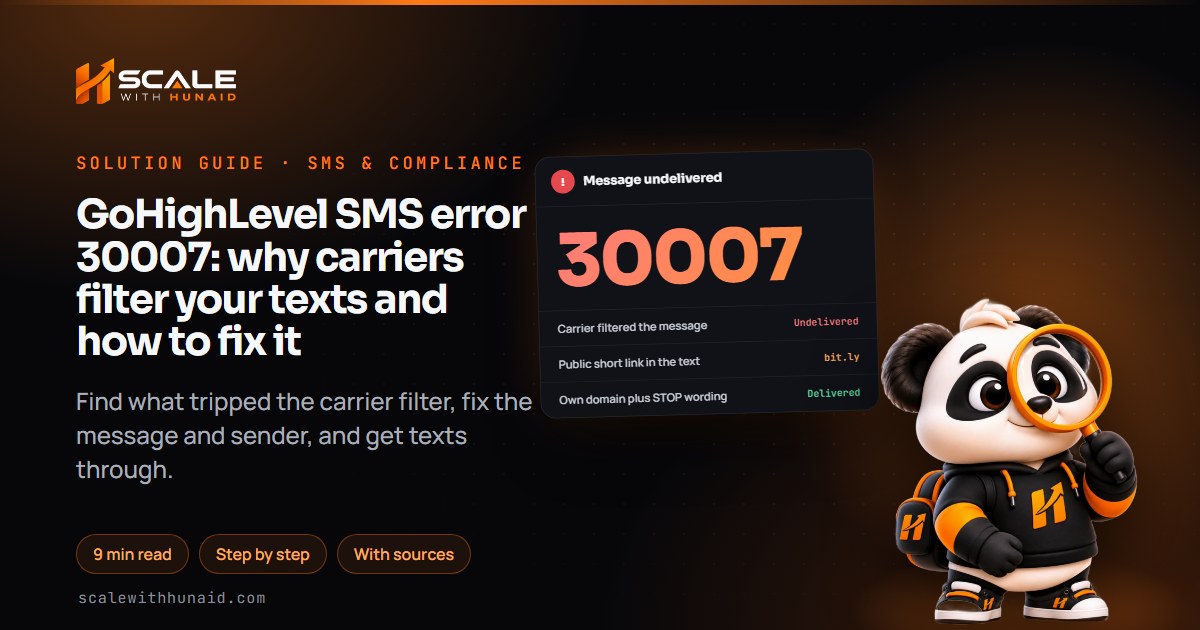
- It is a registration error, not a content error. Rewriting the message changes nothing. (If the code is 30007, the content is the problem; see my 30007 guide.)
- It only affects US 10DLC numbers. Toll-free numbers use a separate verification process and fail with 30032 when unverified.
- Blocked messages still cost money. Twilio says its messaging rates apply even to blocked messages, although no carrier fines are charged.
- 1Confirm the error codeHover the failed text in Conversations.
- 2Check brand and campaignBoth must say Approved in Trust Center.
- 3Link every numberLook for the green A2P Verified label.
- 4Fix Sole Proprietor limitsOne number per Sole Prop campaign.
- 5Wait, then test onceAllow up to 24 hours for carriers.
Step 1: confirm it really is 30034
Open Conversations, find the failed text and hover over the red error to see the code. Several registration codes look alike, and each has a different fix:
| Code | What it means | What to do |
|---|---|---|
| 30034 | 10DLC number not linked to an approved A2P campaign | Link the number, or finish registration (this guide) |
| 30035 | Number is linked but still being configured | Wait up to 24 hours; don’t remove and re-add it |
| 30033 | A2P campaign suspended | Fix the campaign issue, then resubmit |
| 30032 | Toll-free number not verified | Toll-free verification |
| 30007 | Carrier filtered the content | Fix the message and consent |
Sources: HighLevel’s SMS error guide, Twilio 30034 and Twilio 30035.
Step 2: check the brand and campaign are approved
A number can only be linked to a campaign that is already approved, and a campaign can only exist under an approved brand.
Fix:
- Go to Settings → Phone System → Trust Center, then Brands and Campaigns.
- Check the brand status. If it is rejected or missing, register it first. HighLevel says the legal name and EIN must match IRS records exactly (your CP-575 or 147C letter), and my brand rejection guide walks through each rejection reason.
- Check the campaign status. If it is pending, nothing else will clear 30034 until it is approved. If it is rejected, use my A2P campaign rejected guide to fix the website, opt-in and sample messages before you resubmit.
- Note whether the brand is Standard or Sole Proprietor. It decides Step 4.
Step 3: link each number to the approved campaign
This is the cause I find most often. The campaign was approved weeks ago, but the number sending the texts was bought later, or was never attached. HighLevel is clear that approval does not link numbers automatically: each number needs its own link.
Fix (as of November 2026):
- Go to Settings → Phone System → Phone Numbers.
- Find the number that sent the failed text. A registered number shows a green A2P Verified label under it; an unregistered one doesn’t.
- Click the three-dot menu on the right of that number.
- Choose Select A2P campaign to Link.
- Pick your approved campaign from the list and confirm.
- Check that the green A2P Verified label now shows under the number.
- Repeat for every local number in the sub-account that sends texts, including numbers used only by workflows.
What fixed looks like: every sending number on the Phone Numbers page shows A2P Verified, and the Trust Center shows the brand and campaign as approved.
Step 4: Sole Proprietor brands allow one number only
If the brand is Sole Proprietor, the limit is strict. Twilio’s Sole Proprietor FAQ allows one campaign per brand and one phone number per campaign, and HighLevel warns that a Sole Proprietor sub-account with two or more local numbers can hit 30034 even when one number was approved. Twilio’s troubleshooting page confirms the extra numbers simply stay “Unregistered”.
Fix — option A, keep Sole Proprietor:
- Decide which single number the business texts from. Usually it is the one on the website and Google Business Profile.
- Make sure that number is the one linked to the campaign and shows A2P Verified.
- Change every workflow SMS step, bulk send and missed-call text back to send from that number only.
- Use any other numbers for calls only, or release them.
Fix — option B, move to a Standard brand:
- Check you qualify. HighLevel says a business with an EIN must register as a Standard brand, and Sole Proprietor is not available to businesses with two or more employees.
- In Trust Center, register a new Standard (or Low Volume Standard) brand with the legal name and EIN exactly as the IRS has them. HighLevel notes EINs issued in the last 15 days may be rejected.
- Submit a campaign under the new brand that matches what you actually send. HighLevel’s rejection reasons article confirms that the fix for the wrong registration type is to register again as Standard or Low Volume.
- When the campaign is approved, link each number as in Step 3.
HighLevel does not document an in-place conversion from Sole Proprietor to Standard, so ask HighLevel Support how the old brand and campaign are handled before you register the new one.
A Standard brand also lifts the daily cap that Sole Proprietor brands live with:
Message segments per day to T-Mobile subscribers. Standard limits depend on the brand’s Trust Score and are shared across the EIN.
Source: Twilio Help Center, T-Mobile Daily Message Limits for A2P 10DLC (2026)
Sole Proprietor is still the cheaper route if one number is enough. Twilio lists a $4.50 one-time Sole Proprietor brand fee (as of August 2025), a $15 campaign vetting fee and a $2 monthly campaign fee. Your HighLevel agency may bill these differently, so check your own LC Phone pricing.
Step 5: wait for carrier activation, then test once
Linking is not instant. HighLevel says it can take up to 24 hours for a number to be fully registered and activated with the carriers, and Twilio notes that each number must then be approved by the individual US carriers, which can take several days when request volumes are high.
Fix:
- After linking, wait 24 hours before sending anything from the number.
- Send one test text to a mobile on a different carrier from your own.
- If it fails with 30035, the number is still being configured. Twilio says not to remove and re-add it, because that restarts registration and delays activation further.
- If it still fails with 30034 after 24 hours, and the number shows A2P Verified, contact HighLevel Support with the number, the campaign name and two or three failed message examples.
- Once the test arrives, unpause your workflows and campaigns.
Catch the next 30034 automatically
Error 30034 often appears when someone buys a new number months later and forgets to link it. A small workflow tells you the same day.
Fix — build the alert:
- Go to Automation → Workflows → Create Workflow.
- Add the trigger Messaging Error – SMS and a filter on Error Code for 30034, as described in HighLevel’s trigger article.
- Add Add Tag
sms-unregistered-number, then Internal Notification to the account owner with the contact name. - If the contact has an email address, add Send Email so the message still reaches them.
- Don’t add an automatic SMS resend. HighLevel advises against blindly resending failed texts, and a resend from the same number fails again.
- Publish the workflow.
Keeps failing
- Avoid: New number never linked
- Avoid: Two numbers on Sole Prop
- Avoid: Re-adding a pending number
- Avoid: Workflows still sending
- Avoid: EIN business as Sole Prop
Stays verified
- Do: Link every new number
- Do: One number per Sole Prop
- Do: Wait 24 hours, then test
- Do: Pause sends until verified
- Do: Standard brand with EIN
Common mistakes to avoid
- Rewriting the message. 30034 is about the number, not the words.
- Assuming approval covers every number. Check the A2P Verified label on each one.
- Adding numbers to a Sole Proprietor campaign. Only one will ever register.
- Removing and re-adding a pending number. It restarts registration.
- Leaving workflows running. Blocked texts are still billed and still miss the lead.
Get your texts delivered again
Error 30034 is fixed once every sending number is linked to an approved campaign under the right brand type, and a day has passed for carrier activation. If you’d rather hand it over, I handle brand, campaign and number linking as part of A2P 10DLC registration, and I fix the rest of the sending setup in email and SMS deliverability. Moving numbers from another provider? Read my number port rejected guide first, because a ported number needs linking too.

References
- 30034: US A2P 10DLC — Message from an Unregistered Number — Twilio
- 30035: US A2P 10DLC — Message from a number still being configured — Twilio
- Troubleshooting A2P Phone Number registration issues — Twilio
- Shutdown of Unregistered 10DLC Messaging — Twilio Help Center
- A2P 10DLC Sole Proprietor Brands FAQ — Twilio Help Center
- Pricing and Fees for A2P 10DLC Service — Twilio Help Center
- T-Mobile Daily Message Limits for Long Code Messaging with A2P 10DLC — Twilio Help Center
- Error 30034: Linking a Phone Number to an Approved A2P Campaign — HighLevel Support Portal
- LC Phone System: Error Codes and Warning Dictionary — HighLevel Support Portal
- Understanding Common SMS Delivery Errors in HighLevel — HighLevel Support Portal
- A2P Brand Registration Guide for 10DLC in HighLevel — HighLevel Support Portal
- US Phone Number Registrations: Summary and FAQs — HighLevel Support Portal
- Campaign Rejection Reasons and Resolutions — HighLevel Support Portal
- Workflow Trigger — Messaging Error Code — SMS — HighLevel Support Portal